

Choosing CCTV cameras is not only about buying cameras with good specifications. A useful CCTV setup starts with the business environment: where people enter, where valuable items are kept, how lighting changes, how large the site is, and how footage needs to be reviewed later.
For Qatar shops, offices, warehouses, schools, clinics, restaurants, and organizations, the right camera mix can improve visibility and support safer day-to-day operations. The wrong mix can leave blind spots, poor night footage, storage problems, or cameras that are difficult to manage.
This guide explains how to choose CCTV cameras in a practical way before investing in equipment or installation.
Start with the purpose of the CCTV system
Before choosing camera models, be clear about what the system needs to do.
Common goals include:
- Monitoring entrances and exits
- Covering reception desks or customer areas
- Watching stock rooms, cash handling areas, or sensitive rooms
- Improving visibility around parking areas or loading zones
- Supporting staff safety
- Reviewing incidents after they happen
- Checking activity remotely when the site is closed
The same camera is not right for every purpose. A camera that works well for a narrow entrance may not be the best option for a wide warehouse floor.
Review the current setup if one already exists
If the business already has CCTV, start by checking what works and what does not.
Look for:
- Blind spots
- Blurry images
- Poor night visibility
- Cameras that no longer record reliably
- Missing motion detection or alerts
- Old cabling or damaged connectors
- Storage that runs out too quickly
- Cameras pointed at areas that no longer matter
- Remote access that is difficult or insecure
This review helps avoid replacing everything unnecessarily. Sometimes the main problem is camera placement, storage, wiring, network reliability, or configuration rather than every camera itself.
Identify risk areas before choosing cameras
For a new setup, walk through the site and list the areas that need coverage.
Important areas may include:
- Main entrances
- Emergency exits
- Reception counters
- Cash handling points
- Server rooms or network cabinets
- Storage rooms
- Corridors
- Parking areas
- Delivery doors
- Outdoor perimeter points
- Areas where staff or visitors may need support
Risk is not the same everywhere. A front desk, stock room, and outdoor loading area each need different camera placement, angle, lighting, and resolution.
Match the system to the business environment
The size and type of the business changes the CCTV requirement.
A small retail shop may need a few carefully positioned cameras. A warehouse may need wide coverage, long-distance views, and strong low-light performance. A school or clinic may need careful privacy planning so cameras support safety without creating unnecessary monitoring.
When planning, consider:
- Site size and layout
- Indoor and outdoor coverage
- Ceiling height
- Lighting during day and night
- Public, staff-only, and sensitive areas
- Whether cameras should be visible or discreet
- How long footage should be stored
- Who needs permission to view footage
- Whether remote access is required
This is also where budget matters. The goal is not to buy the most expensive camera everywhere. The goal is to place the right camera in the right location.
Compare the most important camera features
Camera specifications are useful only when they match the real site.
Picture quality
Higher resolution can make it easier to see faces, labels, license plates, counters, and movement. But higher resolution also needs more storage and may require better network capacity.
Coverage area
Wide-angle cameras can cover more space, but they may show less detail at distance. Narrower views can capture more detail in a specific area, such as an entrance or cash point.
Low-light performance
For dark corridors, parking spaces, or after-hours monitoring, choose cameras with proper infrared night vision or other low-light capability.
Wired or wireless connection
Wired cameras are often more stable for permanent business installations. Wireless cameras may be easier to place in some areas, but signal strength, interference, power, and reliability still need careful checking.
Footage storage
Footage can be stored locally, on network storage, or through cloud-supported systems depending on the setup. Storage planning should consider retention period, image quality, number of cameras, remote access, and privacy requirements.
Plan the budget realistically
CCTV costs vary based on camera type, image quality, storage, cabling, installation complexity, monitoring needs, and maintenance.
Budget for:
- Cameras
- Recorder or storage system
- Cabling and network equipment
- Power requirements
- Mounting materials
- Installation time
- Configuration and testing
- Remote viewing setup where needed
- Future maintenance
Low-cost equipment may seem attractive, but poor footage, unreliable recording, weak night performance, or difficult support can cost more later. A practical budget should balance price with reliability.
Understand common CCTV camera types
Most business environments use a mix of camera types. The right choice depends on location, purpose, and coverage needs.
Dome cameras
Dome cameras are often mounted on ceilings and can look discreet in offices, corridors, shops, and reception areas. Their rounded housing can make the viewing direction less obvious and may offer some tamper resistance.
They are useful for broad indoor coverage, but outdoor durability and long-distance detail depend on the specific model.
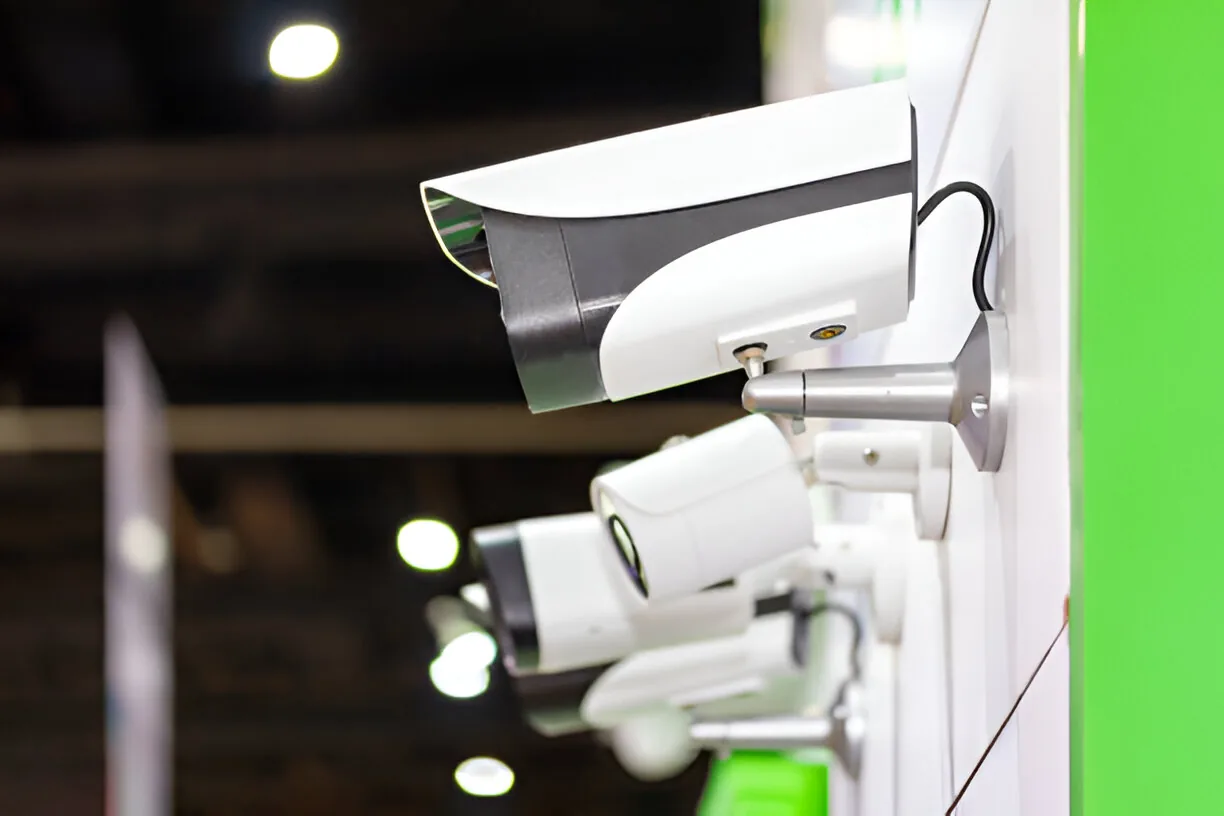
Bullet cameras
Bullet cameras are more visible and are often used outdoors, at entrances, around parking areas, or on building edges. Their visibility can help signal that the area is monitored.
They can offer strong long-range views, but their appearance may feel too prominent for some indoor environments.
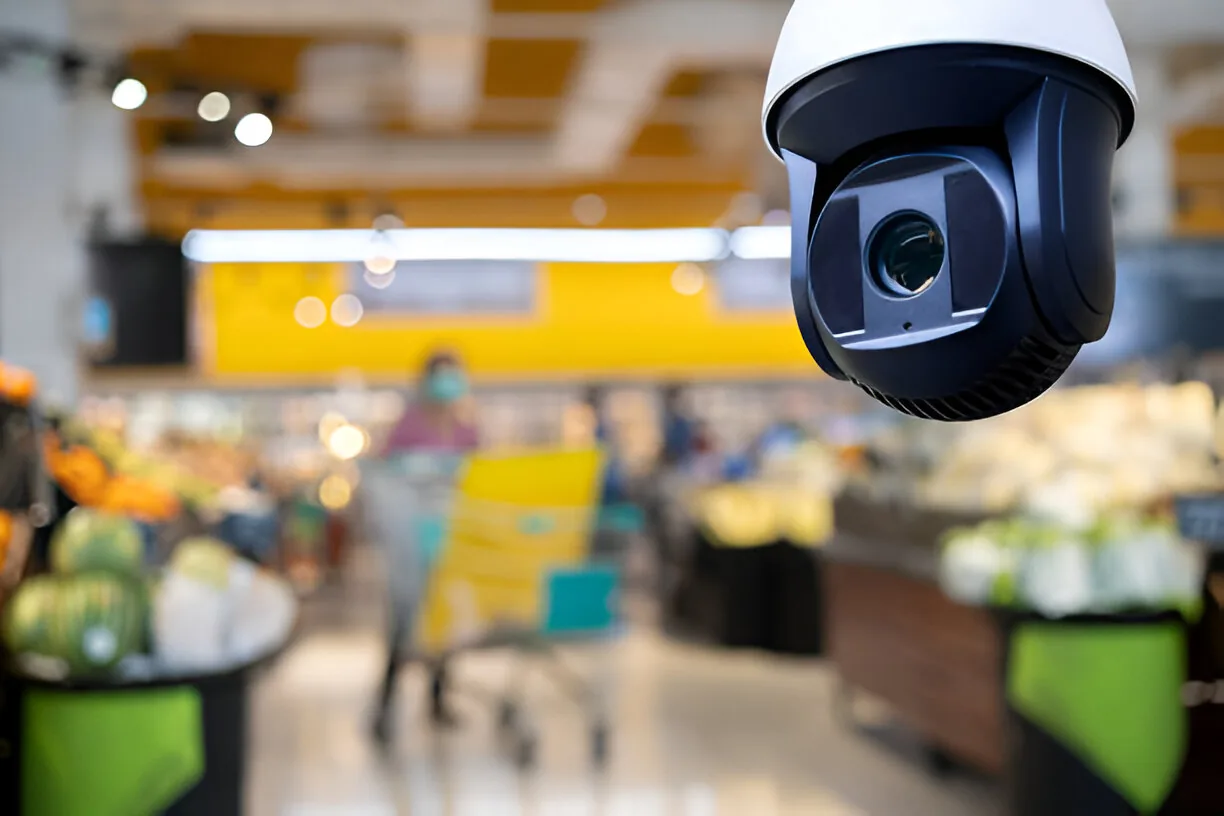
PTZ cameras
PTZ cameras can pan, tilt, and zoom. They are useful when a wide area needs flexible review, such as a warehouse, car park, or larger facility.
They usually cost more and work best when someone understands how to control and configure them. A PTZ camera should not replace fixed cameras in areas that need continuous coverage.
Wireless cameras
Wireless cameras can reduce cabling in some locations, but they still need power and reliable network signal. They are best used where wireless conditions are stable and the risk of signal interference is understood.
For important business areas, test wireless reliability before depending on it.
IP cameras
IP cameras connect through a network and can support high-resolution video, remote viewing, motion detection, and analytics depending on the model.
They should be configured securely. Default passwords, weak remote access, or unmanaged network settings can create security risks.
Thermal cameras
Thermal cameras detect heat rather than normal visible light. They can help in dark outdoor areas, perimeters, and places where movement needs to be detected in low visibility.
They are more specialized and do not provide the same detail as normal cameras, so they are usually part of a wider system rather than a general replacement.
360-degree cameras
360-degree cameras can give a wide panoramic view and reduce blind spots in open areas. They may need suitable software and careful placement so the footage remains useful.
They can be helpful in lobbies, open rooms, or wide indoor areas, but detail at distance should be checked before relying on one camera for everything.
Use a mixed camera plan when needed
Many businesses do not need one camera type everywhere.
A practical CCTV plan may combine:
- Dome cameras for indoor reception and corridors
- Bullet cameras for entrances and outdoor points
- IP cameras for high-resolution remote viewing
- PTZ cameras for larger areas that need active review
- 360-degree cameras for open spaces
- Thermal cameras for selected perimeter or low-light needs
The mix should be based on the site, not on a generic package.
Avoid common CCTV selection mistakes
Common mistakes include:
- Buying cameras before mapping risk areas
- Choosing low-resolution cameras for locations that need detail
- Forgetting night visibility
- Ignoring storage capacity
- Placing cameras too high, too low, or at the wrong angle
- Depending on wireless cameras without testing signal strength
- Leaving default passwords unchanged
- Giving too many people access to footage
- Installing cameras without considering privacy-sensitive areas
- Forgetting future maintenance
These issues are easier to prevent during planning than to fix after installation.
When professional CCTV planning helps
Professional help is useful when the site has multiple rooms, outdoor areas, difficult lighting, existing cabling, remote viewing needs, sensitive spaces, or more than one business location.
Wezatech can help review the site, identify coverage gaps, choose practical camera types, plan network readiness, configure access, and connect CCTV work with wider Security and Privacy and Network and Connectivity needs.
Professional CCTV installation and configuration can also help ensure that cameras are placed, connected, and tested properly before the system is relied on.
A practical conclusion
The best CCTV setup is planned around the environment it protects. Start with risk areas, choose cameras based on purpose, check lighting and storage, plan access carefully, and use a mix of camera types where needed.
With the right planning, CCTV can support safer business operations without becoming confusing, excessive, or difficult to maintain.