
Software needs installation
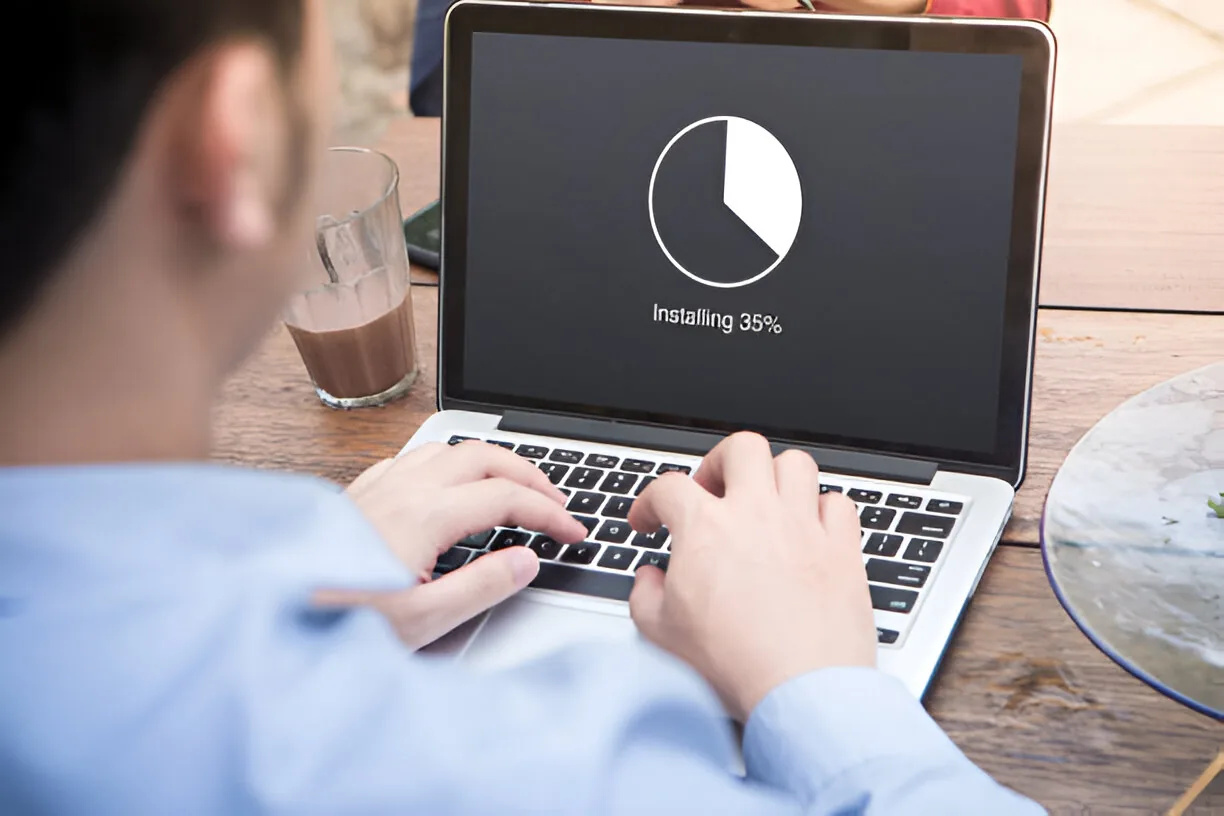
Required apps or tools need to be installed correctly on a laptop or desktop.
Computer and Device Support
Clear, practical help to install, activate, configure, update, and test the software you need so everyday tools are ready for use.
Wezatech supports customers, families, schools, offices, startups, businesses, and organizations in Qatar with a more organized software setup path for study, work, communication, productivity, security, and daily use.
Common Situations
You do not need to know every installer or setting in advance. Share what software you need, what you use it for, and any account or license details you have, and Wezatech will help you choose a clearer next step.
Required apps or tools need to be installed correctly on a laptop or desktop.
Software may need a license key, subscription, account sign-in, or verification step.
Installed apps may need basic preferences, permissions, startup options, or user settings adjusted.
Printers, scanners, accessories, or devices may need drivers or supporting software.
You are unsure which version, installer, or platform is suitable for the device.
The app opens, but accounts, settings, updates, or permissions still need attention.
The software may depend on device hardware, operating system version, or vendor support.
After installation, you want to confirm the software opens and works as expected.
How Software Setup Works
Software setup depends on the device, operating system, license or account access, internet connection, and provider requirements. We explain the options before approved work continues.
Tell us the app, device, operating system, license, account, or installer you need help with.
We review compatibility, account access, license needs, internet connection, and setup limits.
We clarify what can be installed, what needs customer access, and what may need a related service.
We install or configure the agreed software, test basic use, and explain practical next steps.
Support, Simplified
Some software can be installed quickly. Other cases depend on valid licenses, account access, internet connection, compatibility, vendor requirements, and whether training or repair support is needed separately.

FAQ
Quick answers before you request software setup support.
We can help with agreed everyday software for study, work, communication, productivity, security, and device support where the device, installer, license, and provider requirements allow it.
Often, yes. A valid license, subscription, activation key, account sign-in, or verification code may be required. We only ask for access that is relevant to approved setup steps.
Sometimes. The right option depends on the device hardware, operating system version, storage, memory, and the software vendor's support requirements. We explain realistic compatibility before approved work continues.
Yes, where compatible drivers and device access are available. Hardware, connection, or vendor issues may need separate printer, scanner, repair, or support work.
No. We can prepare and test the agreed software basics, but detailed training, advanced workflow guidance, or provider-specific instruction may be a separate support need.
Send the software name, device type, operating system, installer or download source if available, license or account details you can provide, any error message, and your location in Qatar.
READY TO START?
Wezatech helps you install and configure the agreed software, check basic readiness, and move forward with clearer next steps for the device and tools you use.