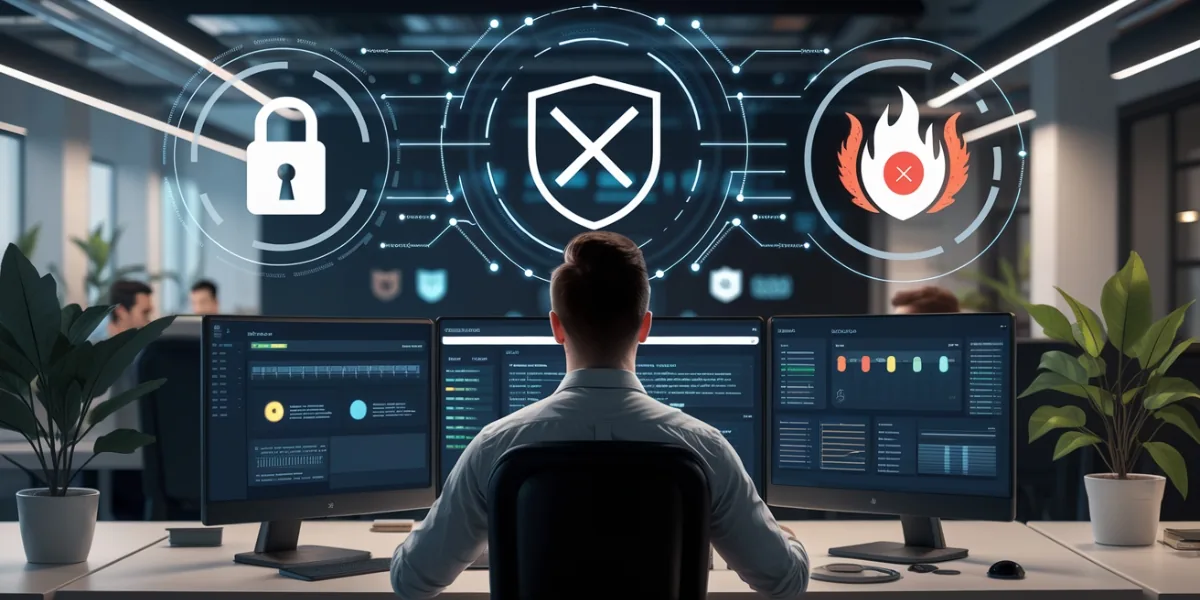
Cybersecurity threats in Qatar are not only a concern for large companies. Any business or organization that uses email, cloud files, payment tools, shared devices, websites, or remote access can be affected.
The most useful defence is practical and consistent: protect accounts, keep systems updated, back up important data, train users, watch for malware signs, and review access before a small mistake becomes a bigger issue.
This guide explains common threats and how Wezatech can help reduce risk in a realistic way.
Why cybersecurity threats matter
Cyber incidents can interrupt work, expose sensitive information, damage trust, and create recovery pressure. Some incidents come from attackers, but others begin with simple mistakes such as clicking the wrong link, reusing a weak password, or storing files in only one place.
Qatar businesses and organizations should focus on prevention and recovery readiness. That means reducing the chance of an incident and making sure the organization can respond if one happens.
Common cybersecurity threats in Qatar
The details change over time, but many incidents begin with a few recognizable patterns.
Viruses and malware
Malware can arrive through email attachments, unsafe downloads, fake updates, infected USB drives, or compromised websites. It may slow devices, steal information, change browser behaviour, corrupt files, or open hidden access for attackers.
Warning signs include pop-ups, unknown apps, suspicious browser extensions, redirects, unusual CPU activity, repeated security alerts, and computers that suddenly become unstable.
Data loss
Data loss is not always caused by hackers. It can come from device failure, accidental deletion, damaged external drives, account problems, ransomware, or poor syncing.
Without reliable backups and a recovery plan, a small incident can interrupt work for much longer than expected.
Phishing and ransomware
Phishing messages try to trick people into opening unsafe links, sharing passwords, approving payments, or downloading infected files. Ransomware can lock files or systems and demand payment.
Both threats depend heavily on human behaviour, which is why awareness and clear reporting steps matter.
Digital account and identity risks
Weak passwords, reused passwords, shared accounts, missing two-step verification, and old user access can lead to account takeover.
Once an attacker controls a key email or platform account, they may reset passwords, intercept invoices, access files, or move deeper into the organization.
Security basics that reduce risk
Most organizations do not need complicated security language to begin improving. They need consistent basics.
Start with:
- Strong unique passwords
- Two-step verification where available
- Updated operating systems and apps
- Malware protection
- Regular backups
- Clear file-sharing rules
- Careful user permissions
- Guest WiFi where needed
- Safer remote access
- Staff awareness and simple reporting steps
These basics reduce common risk and make larger improvements easier later.
How Wezatech helps reduce risk
Managing cybersecurity is easier with a clear plan and practical support.
Virus and malware removal
If a device is infected, Wezatech can help isolate the issue, remove malicious software where possible, review affected settings, and restore stability.
After removal, the important step is prevention. The same issue should not return because the original weak point was ignored.
Data backup and recovery planning
Backups protect against accidental deletion, device failure, ransomware, and account problems. Wezatech can help define what should be backed up, how often backups should run, where copies should be stored, and how recovery should be tested.
For more detail, see the related guide on data backup solutions for commercial businesses in Qatar.
Internet and remote-work security checks
Remote work can introduce risk when home networks, routers, shared devices, or access tools are unmanaged.
Useful checks may include router settings, password habits, device updates, remote-access tools, guest networks, and connected-device exposure.
IT security audits
A security audit helps identify gaps before they become incidents. It can review device health, user access, account protection, backup status, malware symptoms, network settings, and operational habits.
The best audit output is practical: what to fix first, why it matters, and how to maintain it.
Privacy practices and team awareness
Many incidents begin with a simple mistake. Staff may click a link, share a password, use an unsafe device, or send a file through the wrong channel.
Awareness should be clear and useful, not overwhelming. People need simple rules they can actually follow during a busy day.
Password management and access control
Strong passwords and controlled access reduce account takeover risk. A practical setup includes unique passwords, two-step verification, access based on role, and prompt removal of accounts that are no longer needed.
When to ask for help
Ask for help if you notice:
- Unusual pop-ups or browser redirects
- Unknown logins or password-reset emails
- Files missing or encrypted unexpectedly
- Repeated malware warnings
- Devices slowing down suddenly
- Staff receiving suspicious emails
- Shared folders with unclear permissions
- No tested backup plan
- Remote access that no one has reviewed
Early support can reduce downtime and prevent rushed decisions during an incident.
How this connects to wider data protection
Cybersecurity should work with backup, device maintenance, account control, and user guidance.
For wider planning, read how to protect business data from cyber threats and hardware failures. It explains how security, backups, and hardware care work together.
A practical conclusion
Cyber risk is not going away, but it can be managed. The basics matter most: update systems, protect accounts, train users, back up data, control access, and review risks regularly.
Wezatech can help with Security and Privacy, Data Backup and Recovery, and practical Consultation and Training so protection fits real daily work.