


Short answer: full WiFi bars are only part of the story
Slow internet in Qatar can be confusing when your phone, laptop, or smart TV shows full WiFi signal. Everything appears connected, yet videos buffer, meetings freeze, games lag, and websites take longer than expected to load.
The reason is simple: WiFi signal strength and internet performance are not the same thing.
Full bars usually mean your device can hear the router clearly enough. They do not prove that the router is fast, the internet line is healthy, the wireless channel is clean, or the network is handling every connected device well.
At Wezatech, we often see homes, apartments, villas, offices, and shared spaces where the signal looks strong but real-world performance feels weak. The cause may be local WiFi coverage, interference, device congestion, router settings, equipment limits, internet service conditions, or a mix of several small issues.
Why strong WiFi signal does not always mean fast internet
WiFi bars measure the local wireless connection between your device and the router or access point. They do not measure the full path from your device to the website, streaming service, video call, game server, or cloud app you are using.
That means you can have full signal and still face slow browsing because of:
- Too many devices using the network at the same time.
- Nearby WiFi networks competing on similar channels.
- Router placement that looks acceptable but still creates unstable performance.
- Outdated router settings or older equipment.
- Coverage gaps in certain rooms, floors, or outdoor areas.
- Device background activity such as updates, cloud syncing, or streaming.
- Internet provider speed, routing, congestion, or service conditions.
This is why a speed problem needs practical checking, not guessing.
Common causes of slow internet in Qatar
Too many connected devices
Phones, laptops, tablets, smart TVs, gaming consoles, cameras, smart speakers, and home automation devices all share the same network. A connection can feel slow even when signal bars look strong because many devices are competing for bandwidth, router attention, or WiFi airtime.
This is common in family homes, shared apartments, schools, offices, and any place where several people use video, cloud apps, messaging, and streaming at the same time.
Router location
Router placement matters. A router hidden behind furniture, placed inside a cabinet, sitting low to the floor, or blocked by thick walls may still show signal on your phone, but performance can become uneven.
A better position is usually open, central, and away from heavy obstacles. The best location depends on the space, wall materials, room layout, and where people actually use devices.
WiFi interference
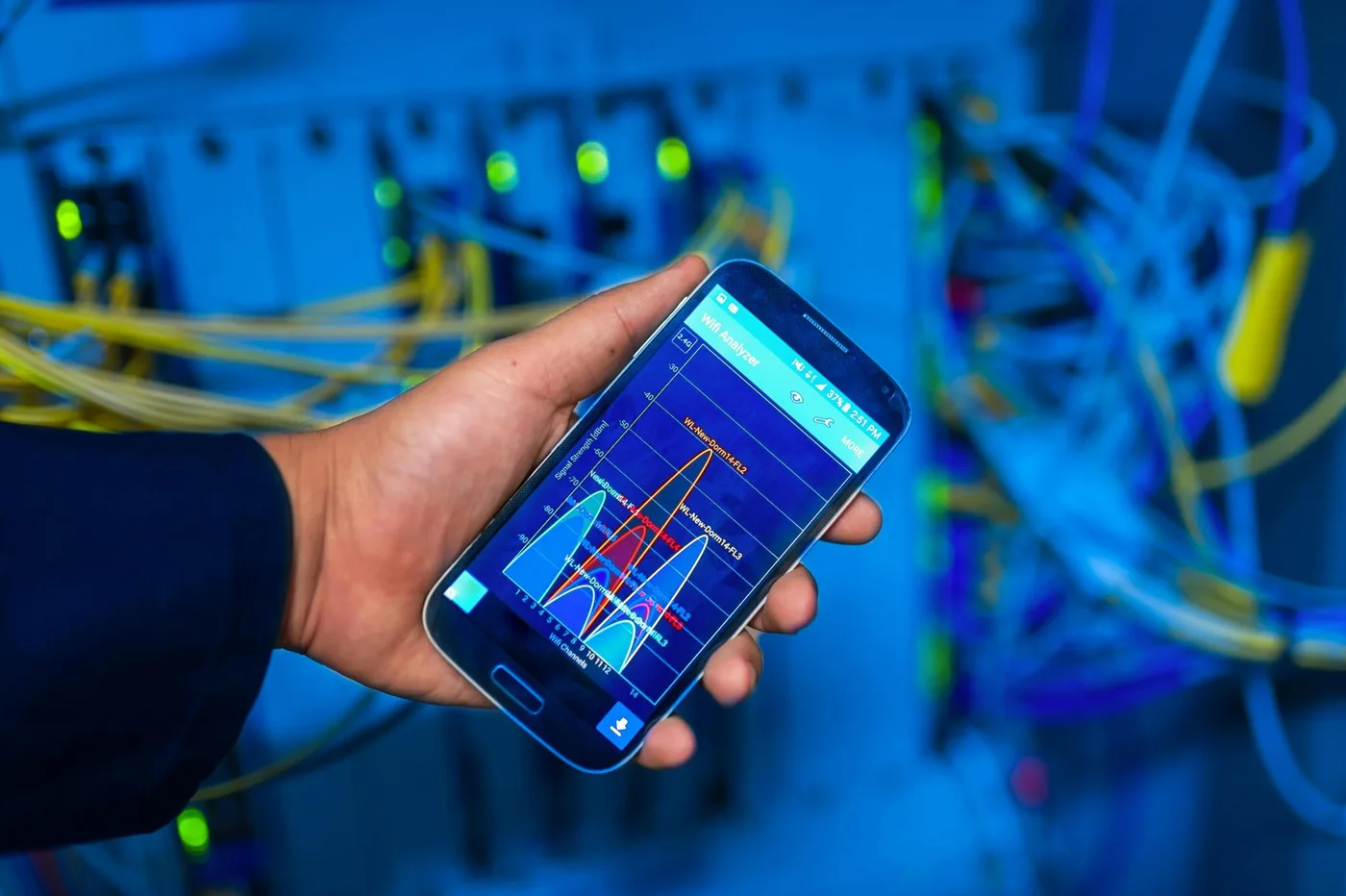
In apartments, compounds, offices, and villas, many nearby networks may compete on similar wireless channels. Other devices and building conditions can also affect signal quality. The result can be full bars with unstable speed, high latency, or random drops.
Interference is one reason two rooms can show similar WiFi signal but behave very differently.
Old router or weak equipment
Older routers may not handle modern usage well. Even if the internet package is suitable, outdated equipment can limit stability, coverage, and performance. Some routers also struggle when many devices are connected at once.
Buying a new router can help in some cases, but it is not always the first or best answer. The right fix depends on the cause.
Large spaces and coverage gaps
Large villas, thick walls, majlis areas, offices, schools, warehouses, and outdoor spaces often need coverage planning. One stronger router is not always enough. Some spaces need properly placed access points, mesh planning, cabling checks, or better network segmentation.
How to check whether your WiFi network is the problem
These checks do not replace a professional diagnosis, but they help you describe the problem more clearly.
Signs your WiFi needs attention
Your setup may need review if you regularly notice:
- Video calls freezing or disconnecting.
- Streaming buffering even with full signal.
- Some rooms feeling slower than others.
- Smart TVs, cameras, or smart home devices dropping offline.
- Gaming lag appearing randomly.
- Speed tests looking acceptable while real use still feels slow.
- Devices reconnecting often or switching between networks.
If these issues happen often, the problem may not be your internet package alone. Your local network setup may need optimization.

What actually improves WiFi performance
Better router placement
Moving the router to a more central and open location can improve coverage quickly. The goal is not just stronger bars, but cleaner, more stable performance in the places where people work, study, stream, and communicate.
Proper access point planning
For larger homes, villas, schools, offices, or organizations, access points should be placed based on real coverage needs. Poor access point placement can create overlap, dead zones, or confusing roaming behavior between rooms.
Channel and interference tuning
Choosing better WiFi channels and reducing wireless congestion can improve stability. This is especially useful where many nearby networks are visible.
Mesh or business-grade WiFi
Some environments need a mesh system or business-grade access points to deliver more reliable coverage across multiple rooms and floors. The right choice depends on the building, the number of devices, the internet plan, and the level of reliability needed.
Network security and device control
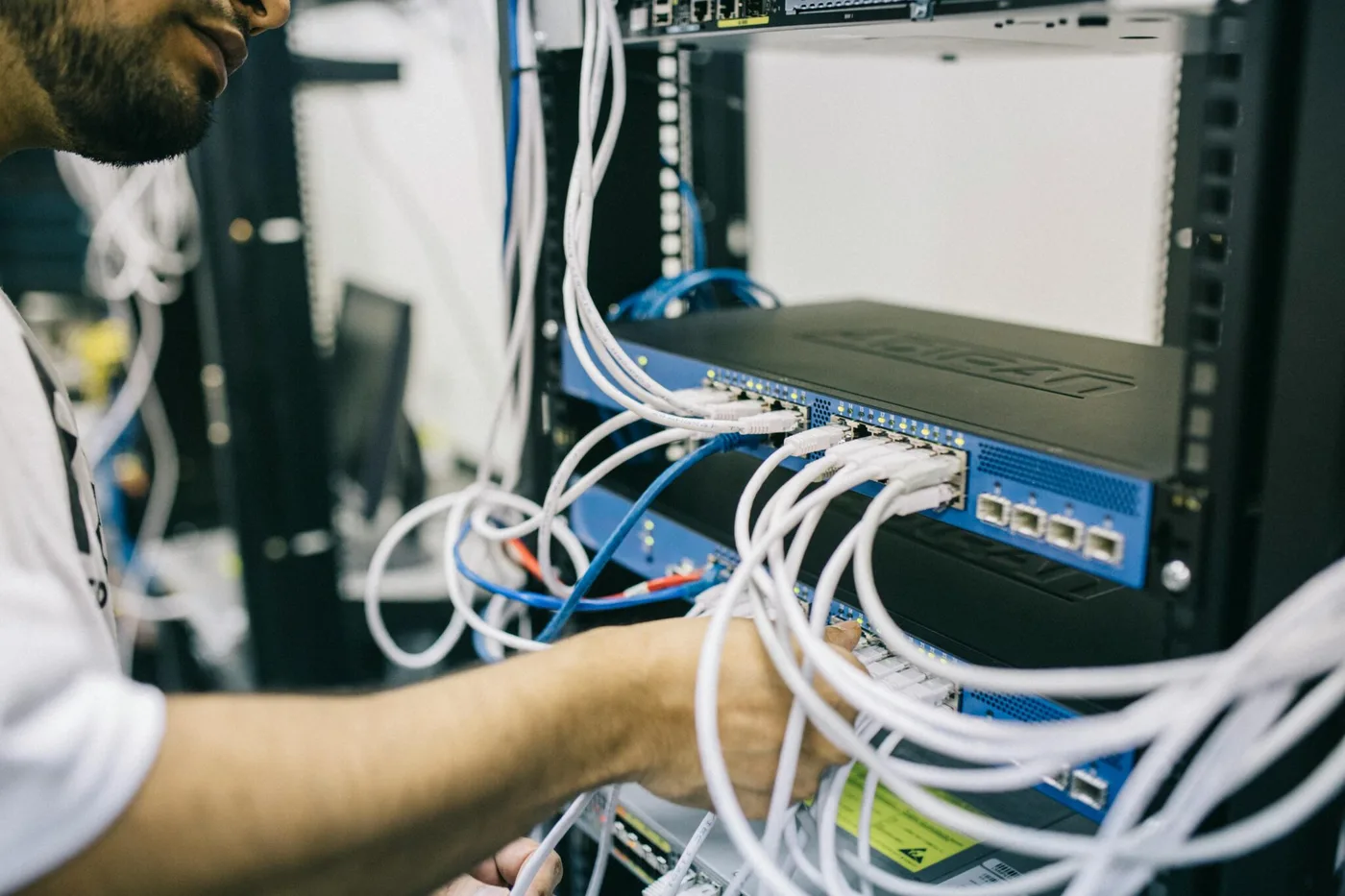
Separating guest devices, smart devices, and work devices can improve both security and performance. It can also make the network easier to manage when something goes wrong.
When a new router is not the answer
Many people buy a new router hoping it will solve everything. Sometimes it does help. In many cases, however, the real issue is placement, interference, wiring, device load, router configuration, or poor network design.
Before replacing equipment, it is better to understand the cause. This avoids wasting money and helps you choose the right solution.
It is also important to separate local network performance from internet provider conditions. Wezatech can assess your local WiFi, router setup, device load, coverage, and configuration. The actual internet speed supplied by the provider depends on the provider, plan, service conditions, and external network factors.
How Wezatech can help
Wezatech helps customers in Qatar identify the practical reason behind slow internet and unstable WiFi. We review the environment, devices, router setup, coverage, and network behavior before recommending a direction.
Support may include:
- WiFi coverage checking.
- Router and access point placement guidance.
- Network optimization and channel review.
- Mesh or access point setup direction.
- Secure WiFi configuration for homes, offices, schools, businesses, and organizations.
- Clear explanation of what is inside Wezatech’s scope and what may depend on the internet provider or site conditions.
If you are not sure where to start, explore Network and Connectivity services or request a consultation so Wezatech can help you choose the right next step.
Technology should feel reliable everywhere
A strong WiFi signal should support a smoother experience, but full bars only tell part of the story. If your internet feels slow despite showing strong signal, your network may need a closer look.
The right setup can make your connection more stable, your devices easier to manage, and your daily work or home life less frustrating.
That is what Wezatech means by Life, Simplified.