
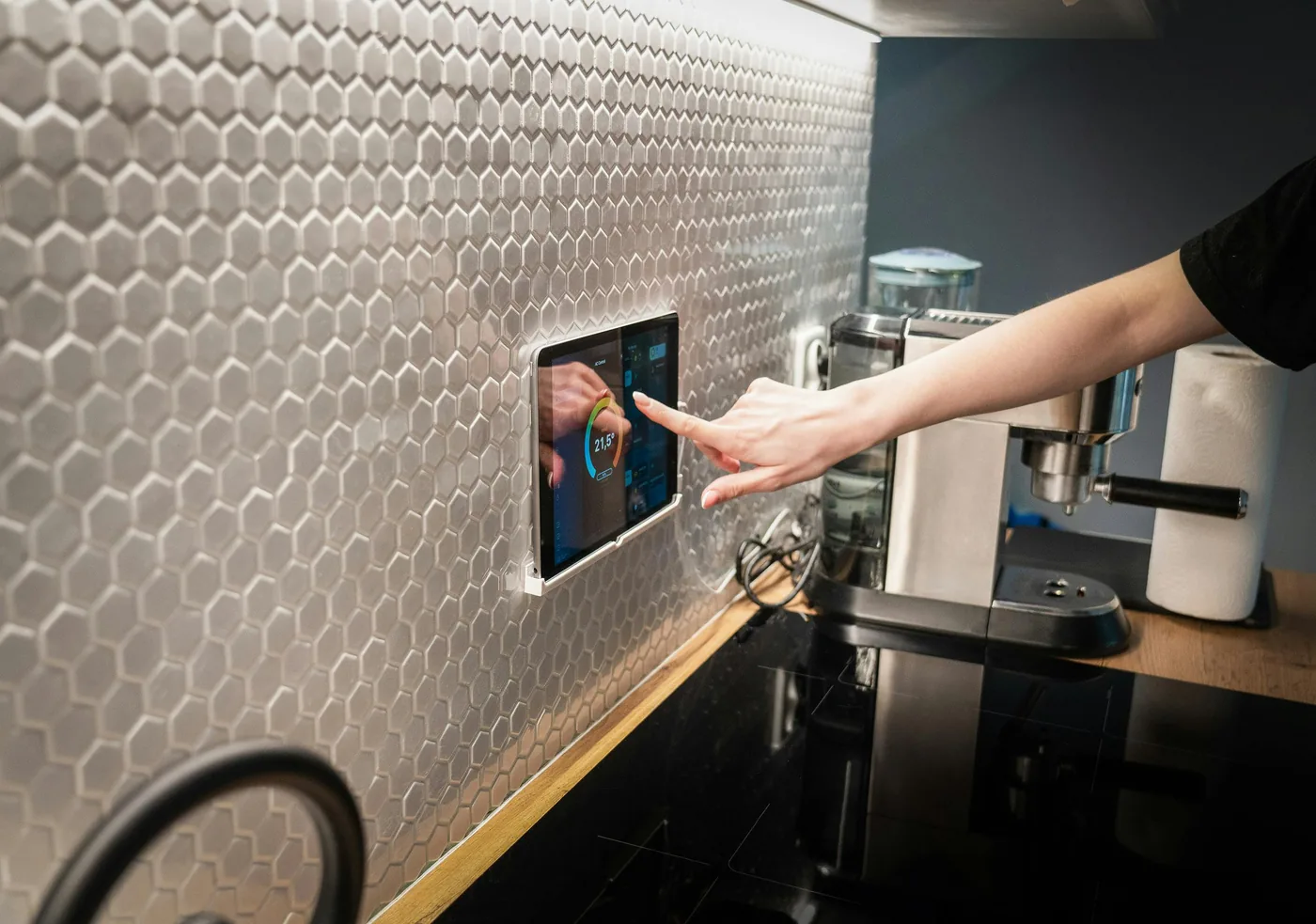
Smart home integration in Qatar is no longer only about luxury gadgets or voice commands for lights. A useful setup can support comfort, safety, energy awareness, family routines, office access, and everyday reliability.
The best systems feel simple. They work quietly in the background and do not force everyone to learn a complicated app for every device.
For villas, apartments, families, and smaller offices, the goal is not automation for show. The goal is control, convenience, privacy, and fewer daily frustrations.
What smart home and office integration means
A smart setup connects devices that can be monitored or controlled centrally. This may include lighting, climate control, WiFi, cameras, doorbells, access control, entertainment, sensors, and parental controls.
The setup can be small at first. A few well-planned devices are better than a house full of gadgets that do not work together.
Useful smart systems usually answer practical needs:
- Can the WiFi reach every room?
- Can family members use the system easily?
- Can cameras and access tools be managed safely?
- Can lighting or power routines reduce wasted energy?
- Can devices keep working without constant resets?
- Can guests or staff connect without exposing private devices?
Why smart integration is growing in Qatar
Connected systems are becoming more common because daily life depends on reliable technology. New apartments and villas are often designed around connected living. Families want safer device control and simpler routines. Offices want stable networks, monitored spaces, access control, and guest connectivity.
Smart integration can also support energy awareness. Scheduled lighting, smarter power control, and better device habits can reduce waste without making daily life harder.
The value comes from practical reliability. Remote control is useful when travelling, working late, managing a villa, supporting family members, or checking an office after hours. It should help people feel more in control, not create another system to manage.
Why smart setups fail
Most smart home frustrations start before installation. Devices are bought one by one, from different brands, without checking WiFi coverage, compatibility, privacy settings, or daily routines.
Common problems include:
- Weak WiFi in the rooms where devices are installed
- Too many apps for different devices
- Mixed brands that do not communicate well
- Cameras or sensors installed without clear privacy rules
- Accounts shared without secure access control
- Cloud-dependent devices with no backup plan
- Over-automation that makes simple tasks harder
Planning matters more than the number of devices.

Start with WiFi and security
Smart devices depend on the network. If the WiFi is unstable, cameras disconnect, switches lag, speakers stop responding, and automation becomes frustrating.
Before adding more devices, check:
- Router placement
- Mesh coverage where needed
- Network names and passwords
- Guest network separation
- Device update settings
- Strong account passwords
- Who can access cameras, door locks, or control apps
Security is part of the foundation. Cameras, access systems, door locks, and control apps need strong accounts, secure sharing, and regular updates. A smart setup should not expose private devices or family routines.
Features that usually add value
The most useful smart home features are the ones people actually use every day.
Smart WiFi and network control
Smart devices need stable coverage in the rooms where they are installed. Mesh systems, router placement, guest networks, and secure network separation can make the difference between a system that works and one that constantly drops offline.
Lighting and power control
Smart lighting and power control can support routines, comfort, and energy awareness. Homes use them for daily schedules and convenience. Offices may use them to reduce wasted power and keep repeated routines simple.
Security cameras and access control
Cameras, doorbells, sensors, and access systems can help families and offices monitor important areas. The setup should include clear privacy rules, secure account access, and careful placement.
Parental controls and family safety
For homes with children, smart setups may include parental controls, screen-time schedules, content filtering, and device-level access rules. These tools work best when they support family routines without constant manual supervision.
Entertainment and convenience
Streaming devices, speakers, TVs, and voice controls can be useful when the network is stable and everyone understands the basic controls. Convenience should not depend on one person knowing which app to open.
Smart-office essentials
For small offices, useful features often include guest WiFi, access control, monitoring cameras, and simple automation that supports daily operations without adding complexity.
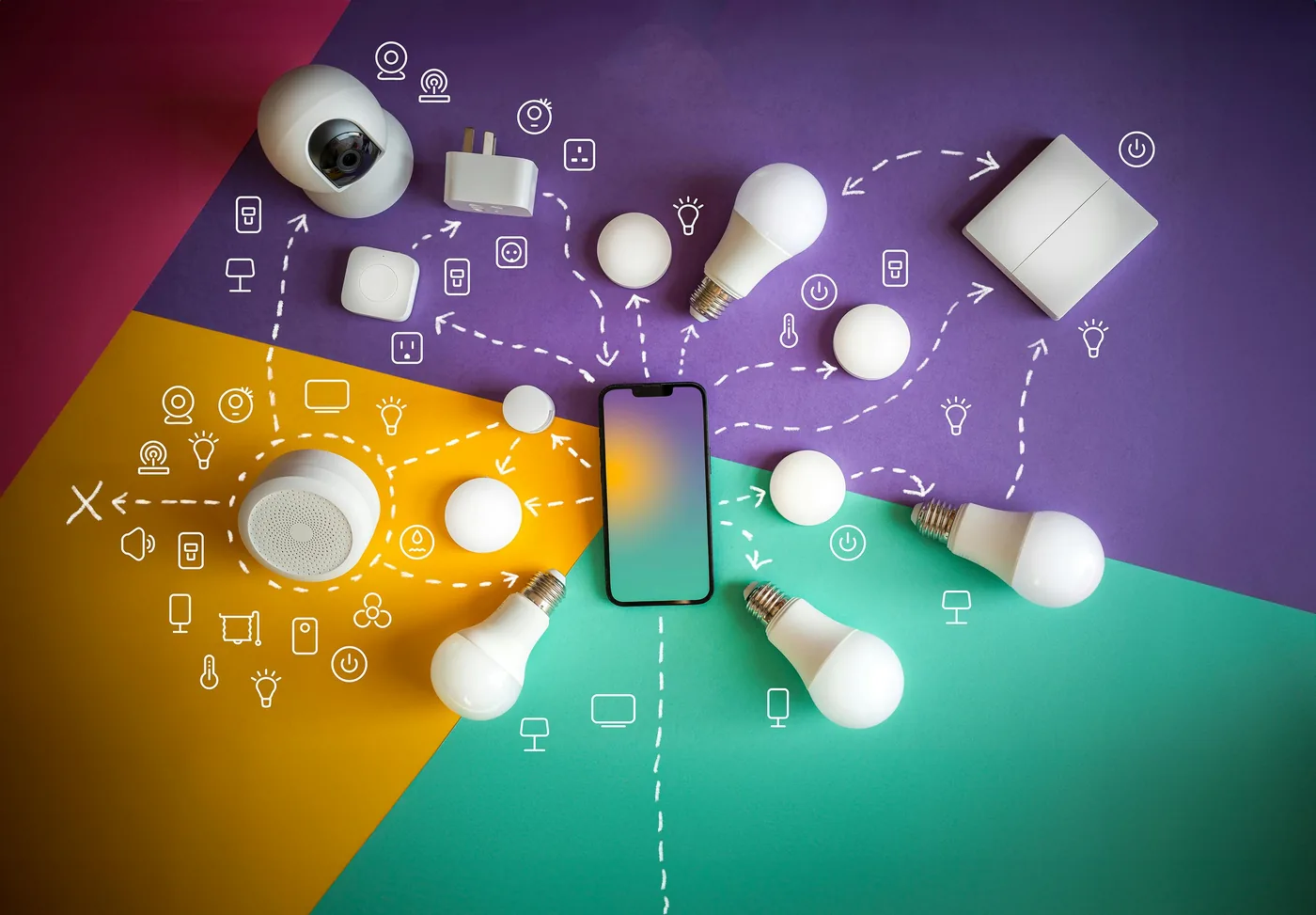
Common smart-home setup mistakes
Most smart-home problems are avoidable when the setup is planned before buying devices.
- Buying devices without checking WiFi strength
- Mixing incompatible brands and ecosystems
- Ignoring privacy and security settings
- Using too many apps for simple routines
- Automating tasks that should remain simple
- Depending on cloud services without a backup access plan
- Sharing accounts without clear access rules
Over-automation is a common issue. If turning on a light, opening a door, or changing a routine becomes harder than before, the setup is not serving the household or office well.
Plan before expanding
A practical smart home plan should start with real needs.
Use this order:
- Check WiFi coverage and stability.
- Decide what you want to improve, such as comfort, safety, family control, or office access.
- Choose compatible platforms instead of random devices.
- Secure accounts, passwords, and sharing permissions.
- Test a small setup before expanding.
- Keep a simple record of devices, apps, and access details.
Also decide what should happen if the internet is down, an app is unavailable, or the person who manages the system is away. Backup access matters for locks, cameras, routers, and key accounts.
How Wezatech approaches practical implementation
Wezatech helps homes, villas, apartments, and offices in Qatar plan smart setups that fit real routines. That can include WiFi and mesh setup, smart device installation, camera and access planning, parental controls, account security, and ongoing support.
The focus is stability, privacy, and simplicity. A good setup should be easy for family members, staff, guests, or office users to understand without repeated troubleshooting.
Smart technology should make life easier. When the setup is planned well, it reduces stress instead of creating another system to manage.