

Wireless emergency alerts in Qatar are designed to reach phones quickly when an authorized public safety message needs attention. If your phone suddenly makes a loud alert sound during a national test or emergency message, it can feel surprising, but the system exists for a practical reason.
These alerts are not ordinary app notifications. They are public safety messages sent through the mobile network so people in a relevant area can receive important information quickly.
For everyday users, the key point is simple: keep the alerts enabled, understand why they appear, and know where to check your phone settings.
What wireless emergency alerts are
Wireless emergency alerts are instant notifications sent by authorized agencies to warn the public about important situations. They may be used for drills, severe weather, national messages, safety updates, or other public alerts.
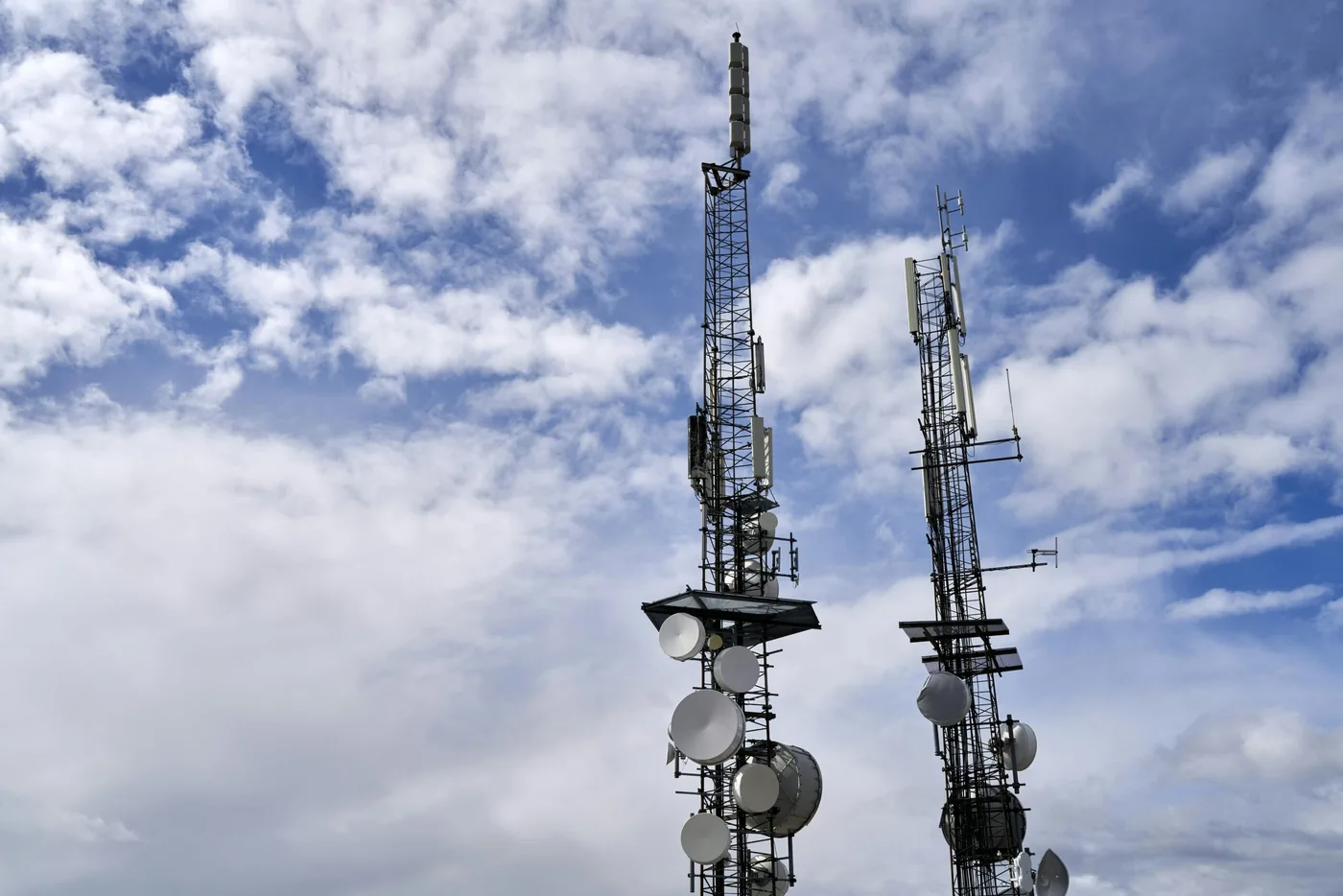
Unlike app notifications, these alerts do not depend on WiFi or mobile data. They are broadcast through nearby cell towers and can reach active phones in the target area.
That difference matters. If data is congested or WiFi is not available, the alert system can still reach compatible phones connected to the mobile network.
Why phones in Qatar receive alert tests
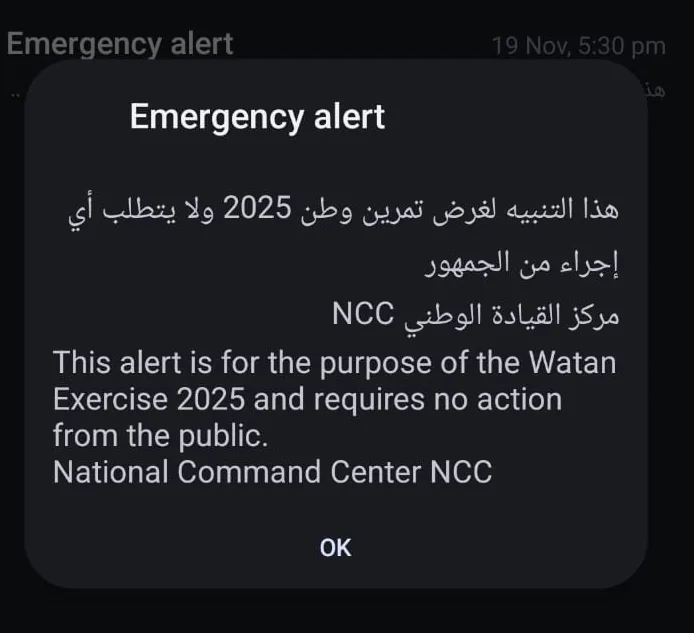
Qatar may send public alert tests during readiness exercises to confirm that the system works correctly. During a test, the alert can be loud and noticeable, but it may not require public action.
The source article referenced the Watan Exercise 2025 alert from the National Command Center. That type of alert helps confirm that devices are reachable and the national warning system can broadcast quickly when needed.
A test alert is a good reminder to check that your phone can receive official safety messages.
Why you should keep alerts on
Keeping wireless emergency alerts enabled helps you stay informed when an official message is sent.
- You receive safety updates quickly
- Alerts work through the mobile network, not normal apps
- Messages come from official emergency channels
- Location-based alerts can reach people in the relevant area
- Tests confirm that your device can receive future alerts
Whether the message is a drill, weather warning, public safety update, or national message, enabled alerts help reduce confusion.
How to check settings on iPhone
On iPhone, emergency alert settings are usually found under Notifications.
- Open Settings.
- Tap Notifications.
- Scroll to Government Alerts.
- Enable Emergency Alerts and Public Safety Alerts where available.
If your iPhone shows an option such as Always Play Sound, consider keeping it enabled so urgent alerts can be heard even when the phone is on silent. Apple also provides guidance on government alerts on iPhone.
How to check settings on Android
Android wording can vary by phone brand and version, but the setting is usually under Safety and emergency or Notifications.
- Open Settings.
- Tap Safety and emergency or Notifications.
- Select Wireless emergency alerts or Cell broadcasts.
- Enable Allow alerts, including extreme and severe alerts where available.
Google provides Android guidance for wireless emergency alerts. If your menu names are different, use the Settings search field and search for emergency alerts.

What to do when an alert appears
First, read the message carefully. Some alerts are tests or drills and may clearly state that no action is required. Other alerts may include instructions, locations, or safety advice.
Use calm judgement:
- Read the full alert before reacting
- Check trusted official sources if you need more context
- Avoid relying only on forwarded messages
- Keep your phone charged and connected
- Share important official information clearly with family or team members
For wider preparation, the guide on staying connected in Qatar covers device charging, backup internet, contact readiness, and data protection.
Common alert issues to check
If people near you receive an alert but your phone does not, check the basics before assuming something is wrong with the national system.
- Was the phone switched on?
- Was it connected to a Qatar mobile network?
- Were emergency alerts disabled?
- Was the phone in airplane mode?
- Does the phone need a software update?
- Is the SIM active and working?
Some alerts are also location based, so not every alert reaches every person in the country.
How Wezatech supports safer everyday technology
Wireless emergency alerts are only one part of digital readiness. Families, offices, schools, and teams also benefit from reliable devices, stable connectivity, backups, account protection, and clear communication habits.
Wezatech can help with practical device checks, safer phone and account settings, home or office network readiness, parental controls, privacy basics, and simple technology routines.
Technology should make people feel more informed and prepared. Keeping essential alerts enabled is a small setting that can make a meaningful difference when official information matters.