



Staying connected in Qatar during uncertain times is not just about convenience. It is about being reachable, informed, and prepared. Whether it is unexpected events, regional tension, or sudden disruptions, a few simple tech checks can make a big difference.
At Wezatech, we believe technology should make life easier, especially when things feel uncertain. This guide shares practical steps to help you stay connected, protect your data, and keep your communication reliable. Life, Simplified.
Staying Connected in Qatar, Key Takeaways
- Keep your devices charged and ready at all times
- Have more than one way to access the internet
- Make sure emergency alerts are enabled
- Back up important data regularly
- Keep communication simple and clear within your family or team
Staying Connected in Qatar, Keep Your Devices Ready
Your phone is your main connection point. Make sure it is always ready when you need it.
- Keep your phone battery above 30 percent whenever possible
- Use a reliable power bank when you are outside
- Charge essential devices overnight
- Avoid heavy apps when battery is low
Small habits like this can prevent unnecessary stress when communication becomes important.
Staying Connected in Qatar, Backup Internet Options
Your home or office internet may be stable most of the time, but it is always good to have a backup plan.
- Keep mobile data active and ready
- Know your WiFi network name and password
- Restart your router if needed
- Understand basic connection checks
If you often experience issues, you can review our guide on WiFi slow in Qatar for simple fixes.
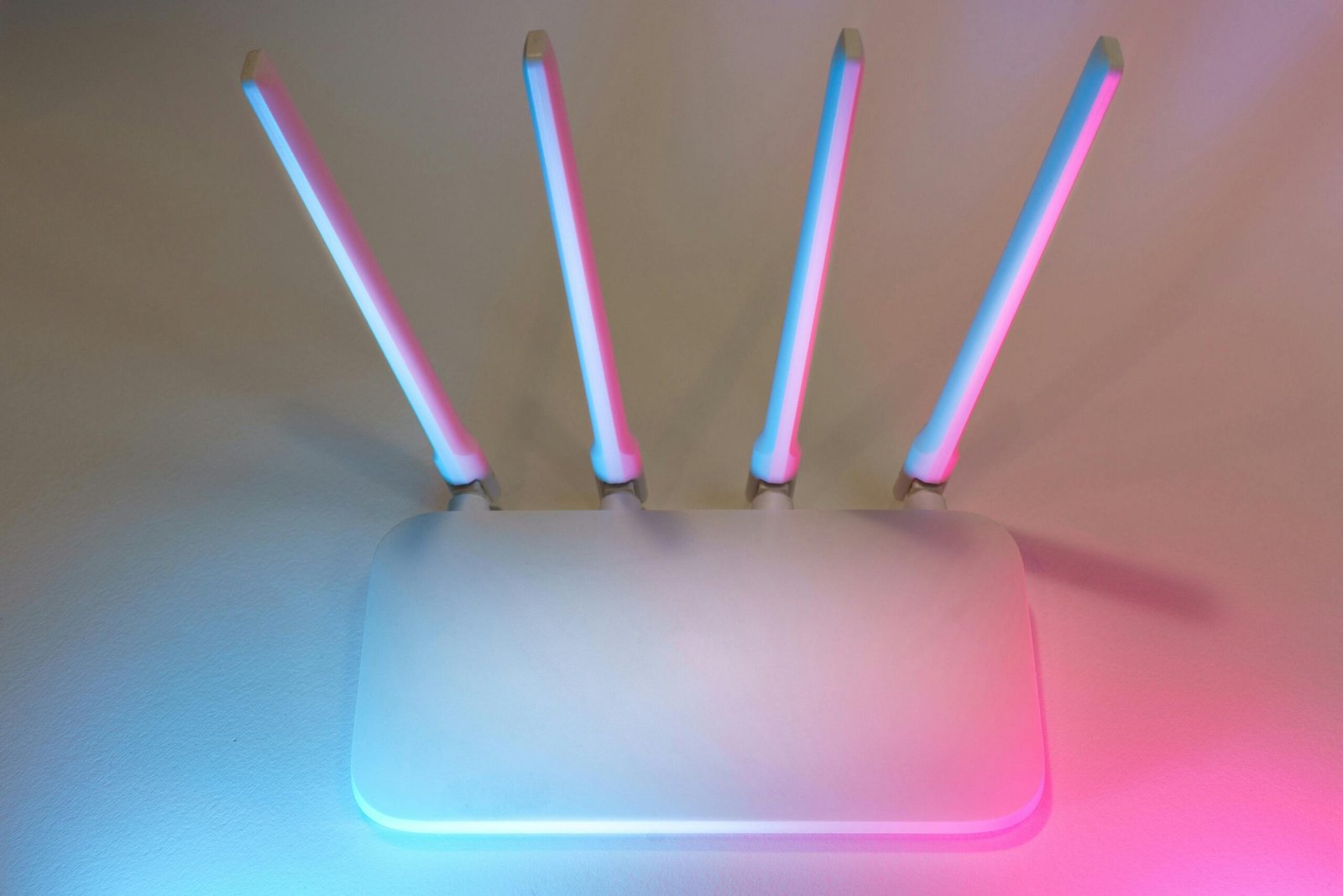
Staying Connected in Qatar, Stay Informed with Alerts
Emergency alerts are designed to keep you informed in real time. Make sure your device is set to receive them.
- Keep notifications enabled on your phone
- Do not disable system alerts
- Check official sources for updates
You can learn more about how alerts work in our guide on wireless emergency alerts in Qatar.
Staying Connected in Qatar, Protect Your Important Data
In uncertain situations, losing access to important information can create bigger problems than expected.
- Back up important documents to the cloud
- Keep copies of IDs and key files safely
- Use simple folder organization
- Avoid storing everything on one device only
If you are not sure where to start, check our guide on data backup and recovery in Qatar.

Staying Connected in Qatar, Keep Communication Simple
Technology helps, but clarity matters even more.
- Make sure your contact list is updated
- Agree on simple communication methods with your family or team
- Avoid overcomplicating tools or apps
- Keep key numbers easy to access
Simple communication reduces confusion and helps everyone stay connected without stress.
Common Mistakes to Avoid
- Ignoring low battery until it is too late
- Relying on only one internet connection
- Disabling important notifications
- Not backing up important files
- Overcomplicating communication tools
How Wezatech Supports You
Wezatech helps homes and businesses in Qatar stay connected, prepared, and protected through simple and reliable technology solutions.
- Network checks and WiFi optimization
- Data backup setup and recovery solutions
- Device health checks and maintenance
- Simple and secure tech setups for daily use
Talk to Wezatech and keep your tech ready
For broader telecom and connectivity guidance, you can also refer to the International Telecommunication Union.
Staying Connected in Qatar, FAQ
What is the most important device to keep ready
Your phone is the most important. It keeps you connected, informed, and reachable at all times.
Is WiFi enough during uncertain situations
WiFi is useful, but having mobile data as a backup is always recommended.
How often should I back up my data
Important data should be backed up regularly. Weekly is a good starting point for most users.
Do I need advanced tools for this
No. Most of these steps are simple and can be done with the devices you already have.