


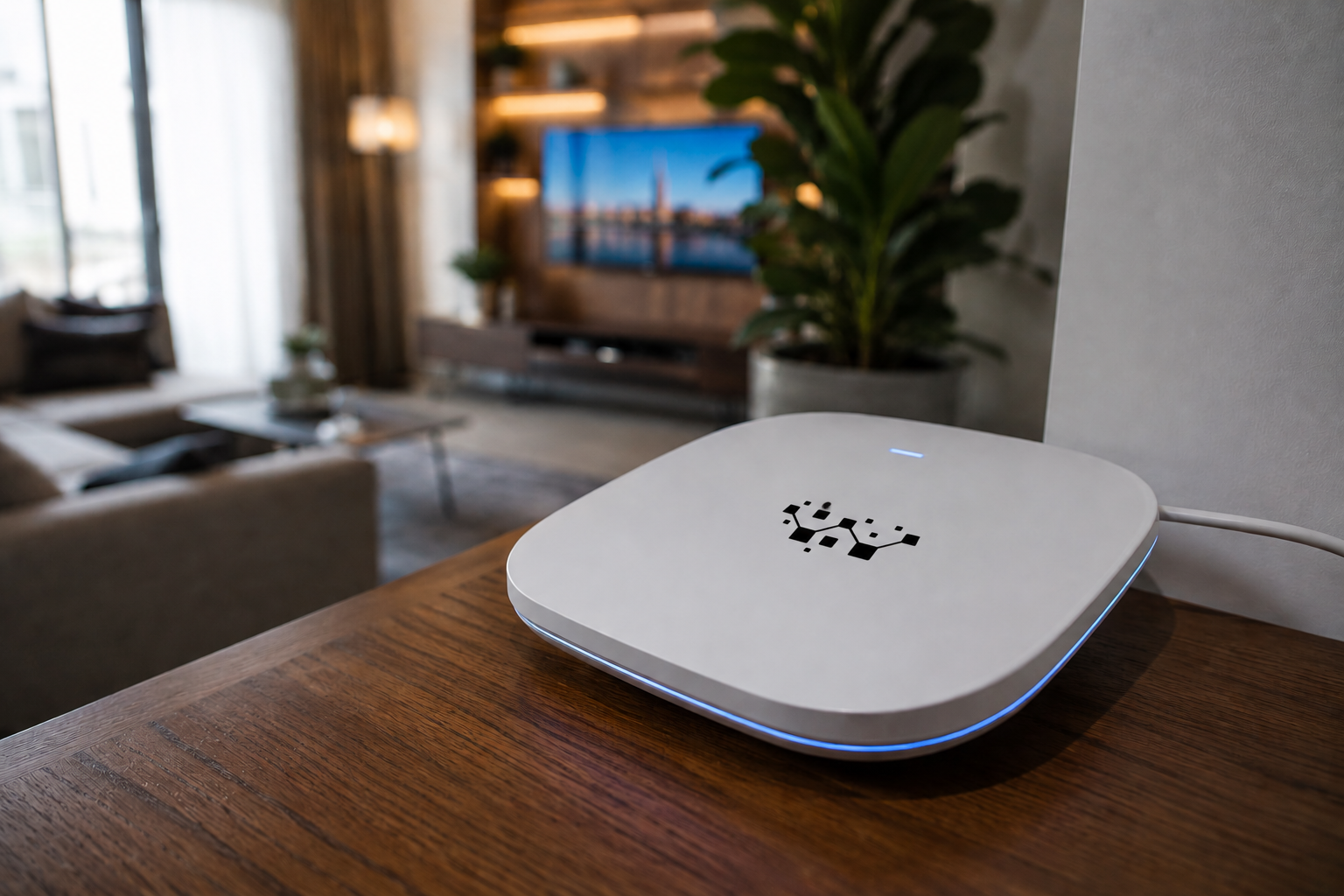
Slow internet in Qatar can be confusing when your phone or laptop shows full WiFi signal. Everything looks connected, yet videos buffer, meetings freeze, and websites take longer than expected to load.
The reason is simple, WiFi signal strength and internet performance are not the same thing.
At Wezatech, we often see homes and businesses with strong WiFi bars but poor real world performance. The issue may be coverage, interference, device congestion, router settings, or the way the network was planned.
Why Strong WiFi Signal Does Not Always Mean Fast Internet
WiFi bars only show that your device can hear the router. They do not always show how stable, clean, or fast the connection really is.
You may have full signal and still face slow browsing because of:
- Too many devices using the network at once
- Interference from nearby WiFi networks
- Old router settings or outdated equipment
- Weak coverage in certain rooms
- Internet provider speed or routing issues
That is why a speed problem needs proper checking, not guessing.

Common Causes of Slow Internet in Qatar
Too many connected devices
Phones, laptops, tablets, smart TVs, gaming consoles, cameras, and smart home devices all share the same network. As a result, your connection may feel slow even when the signal looks strong.
Router location
If your router is hidden behind furniture, placed inside a cabinet, or blocked by walls, the signal may look acceptable but still perform poorly.
WiFi interference
In apartments, compounds, offices, and villas, many nearby networks can compete on the same wireless channels. This creates congestion and reduces performance.
Old router or weak equipment
Older routers may not handle modern usage well. Even if the internet package is good, outdated equipment can limit speed and stability.
Large spaces and coverage gaps
Large villas, thick walls, majlis areas, outdoor spaces, and offices often need better coverage planning, not just one stronger router.
How to Check If Your WiFi Network Has a Problem
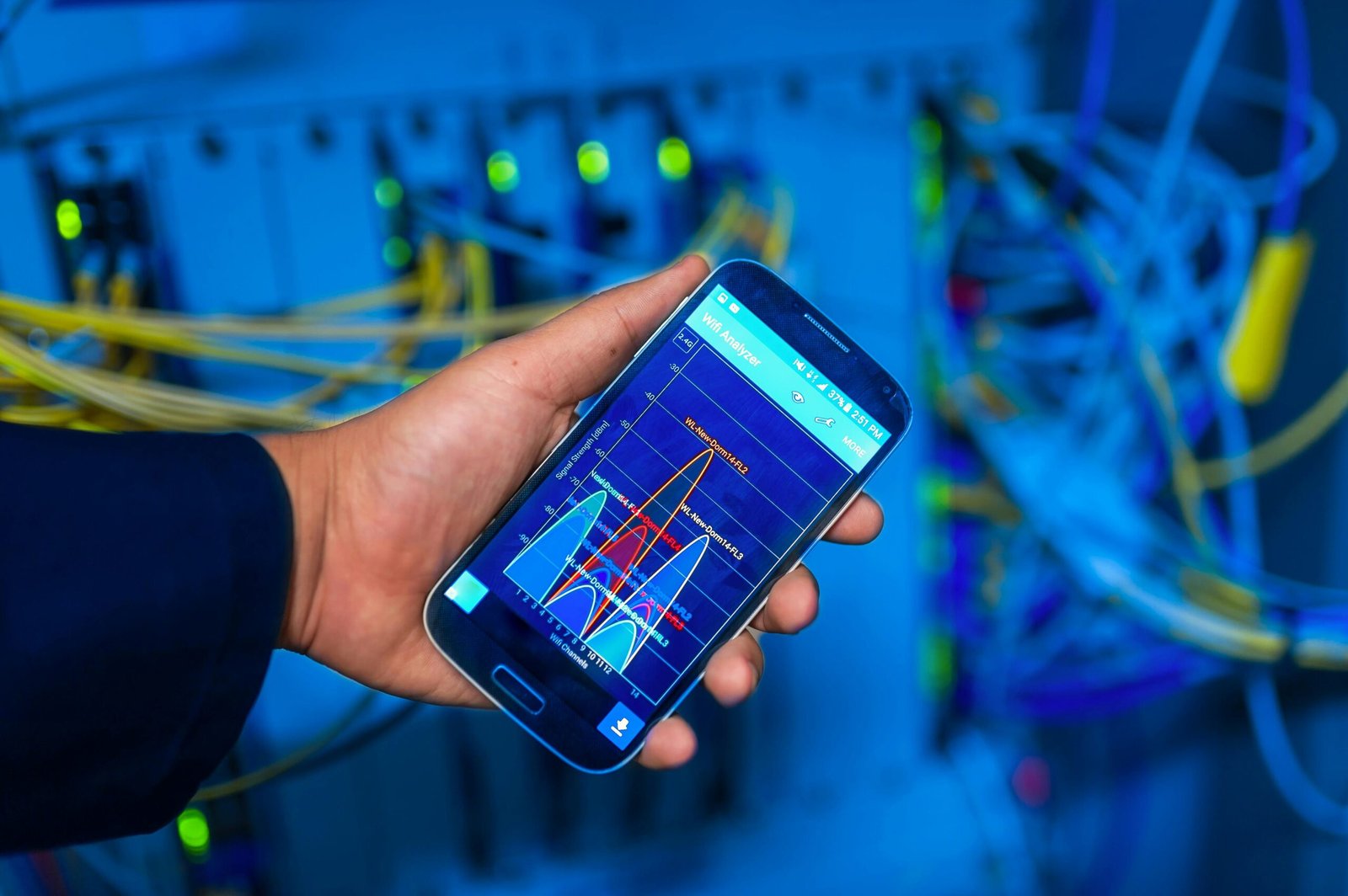
A proper WiFi check looks beyond signal bars. It checks signal quality, interference, channels, coverage, and how devices behave in different areas.
For example, two rooms may show similar WiFi bars but perform very differently because of interference or poor access point placement.
Signs Your WiFi Needs Attention
- Video calls freeze or disconnect
- Streaming buffers even with full signal
- Some rooms feel slower than others
- Smart TVs or cameras disconnect often
- Gaming lag happens randomly
- Speed tests look good but real usage feels poor
If these issues happen often, the problem may not be your internet package alone. Your internal network setup may need optimization.
What Actually Improves WiFi Performance
Better router placement
Moving the router to a central, open location can improve coverage immediately.
Proper access point planning
For larger homes and businesses, access points should be placed based on coverage needs, not convenience.
Channel and interference tuning
Choosing better WiFi channels can reduce congestion and improve stability.
Mesh or business grade WiFi
Some environments need mesh systems or business grade access points to deliver reliable coverage across multiple rooms and floors.
Network security and device control
Separating guest devices, smart devices, and business devices can improve security and performance.
When a New Router Is Not the Answer
Many people buy a new router hoping it will solve everything. Sometimes it helps. However, in many cases, the real issue is placement, interference, wiring, device load, or poor network design.
Before replacing equipment, it is better to understand the cause. This avoids wasting money and helps you choose the right solution.
How Wezatech Solves Slow Internet in Qatar
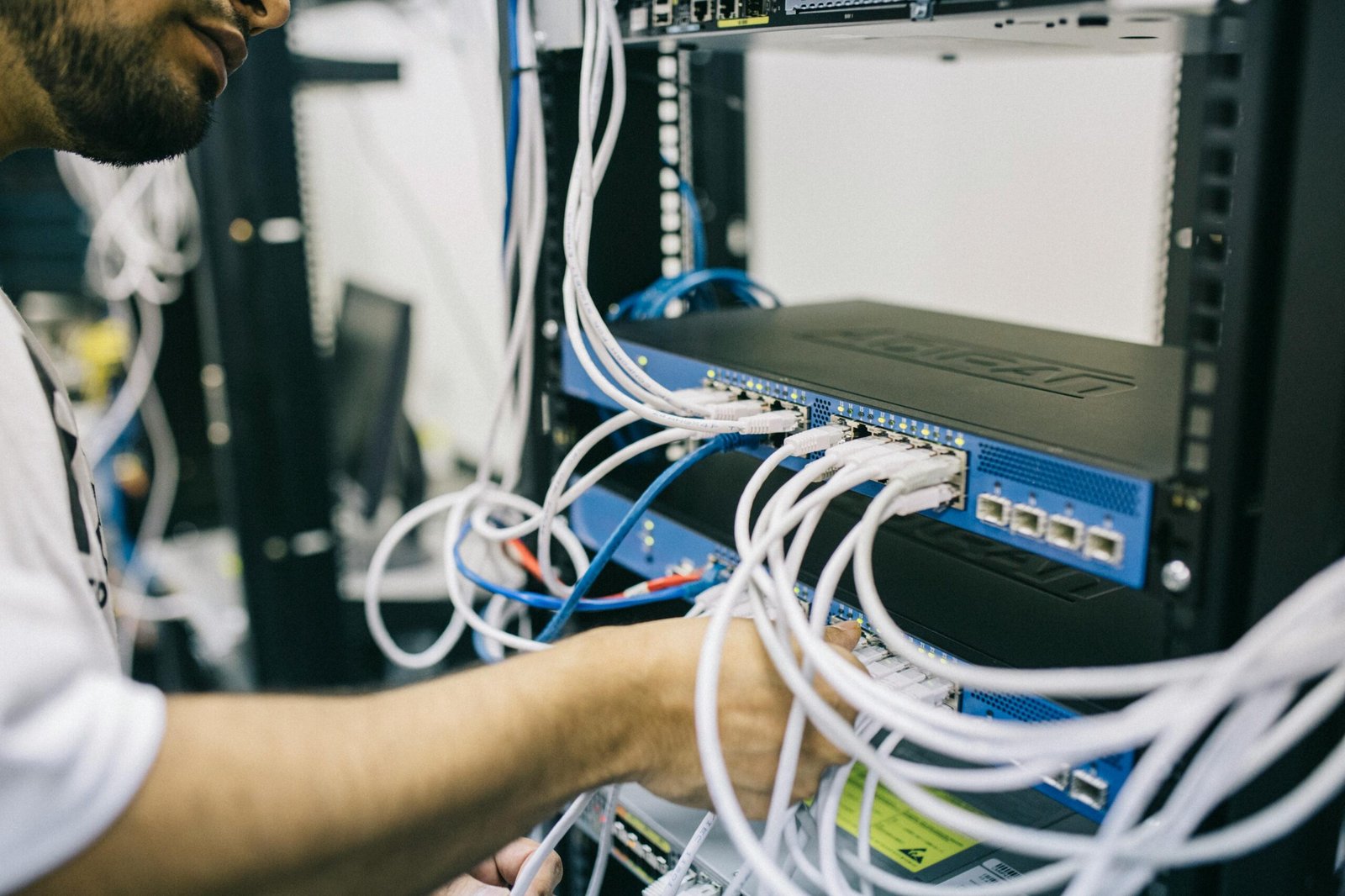
Wezatech helps homes and businesses identify the real reason behind slow internet and unstable WiFi. We check the environment, devices, router setup, coverage, and network behavior before recommending a solution.
Our approach includes:
- WiFi coverage checking
- Router and access point placement advice
- Network optimization and channel tuning
- Mesh and access point setup
- Secure WiFi configuration for homes and businesses
Explore Network and Connectivity services →
Technology Should Feel Reliable Everywhere
A strong WiFi signal should lead to a smooth experience. If your internet feels slow despite showing full bars, your network may be telling you only part of the story.
The right setup makes your connection more stable, your devices easier to manage, and your daily work or home life less frustrating.
That is what we mean by Life, Simplified.
Stay Connected with Wezatech
For simple tips, reminders, and practical technology advice, follow the Wezatech WhatsApp Channel.
Follow the Wezatech WhatsApp Channel →